Svanja is an email app for freelancers and small agencies, and it works on top of the mailbox you already have. Your mail stays with Google, Microsoft, or your current provider while Svanja connects to it. You keep your email address, you don’t have to migrate anything, and you can still use the Gmail or Outlook app on your phone alongside Svanja.
What does Svanja add?
Your email works the way you expect, and Svanja adds tools for the work around it:
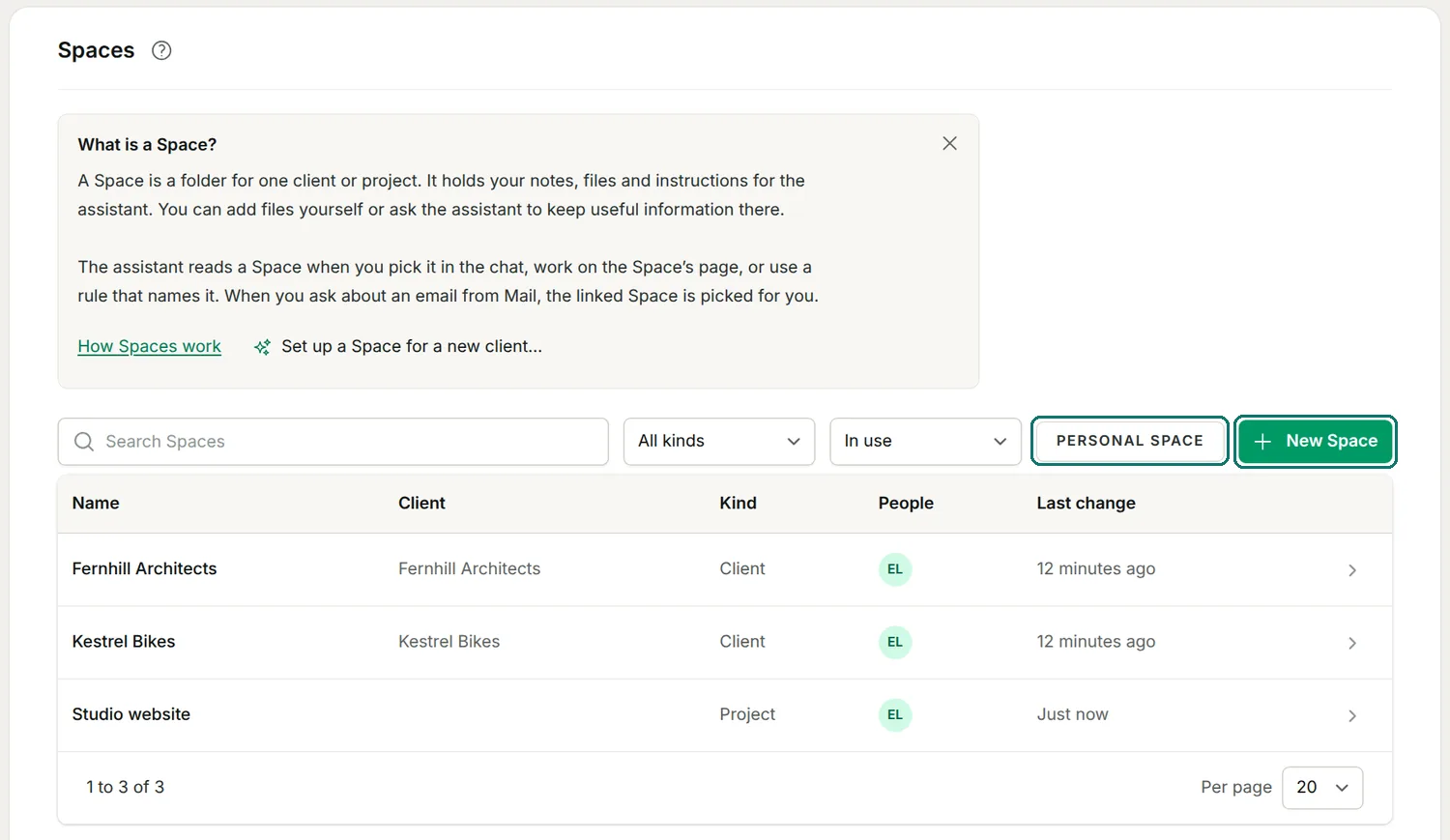
- Spaces: a folder for each client with your notes and files, shown right next to their emails
- Rules: automated actions that run when specific mail arrives, such as drafting a reply to a pricing question
- Follow-ups: emails that go out if nobody answers, and cancel themselves as soon as someone does
- The assistant: a helper that reads your client notes, drafts replies, and handles longer jobs
Which mailboxes can I connect?
| Your mailbox | How you connect it |
|---|---|
| Outlook and Microsoft 365 (work or school) | Microsoft, then sign in |
| Gmail and Google Workspace | Other provider, using the Gmail IMAP preset and an app password |
| Any other mailbox with IMAP and SMTP | Other provider, using your server details and password |
IMAP and SMTP are the standard ways mail apps read and send email. An app password is a separate password you create in your Google account settings for a single app. Personal addresses like outlook.com or hotmail.com aren’t supported at the moment. See Connecting your mailbox for setup details.
What moves over and what stays with my provider?
Nothing moves out of your account. Svanja loads your mail from the last 90 days, and search still finds older messages stored at your provider.
These changes sync with your mailbox, so Gmail and Outlook show them too:
- read and unread status, stars, folders, and moving mail
- Archive in mailbox
- Outlook categories (shown under Mailbox labels) and Gmail labels (which Gmail displays as folders)
- sent mail, which lands in your Sent folder
- your existing Gmail filters and Outlook rules, which keep running at your provider
These live in Svanja only:
- Done, which marks a conversation as finished in Svanja without changing your provider’s inbox
- snooze, reminders, tags, and internal notes
- drafts, until you send them
- your Spaces, contacts, and rules
If you also read email on your phone and want that inbox to stay clean, use Archive in mailbox instead of Done. See Inbox.
Move in, step by step
- Open the Inbox and choose Microsoft or Other provider.
- Sign in, or enter your email address and password.
- Open Settings and choose Mail management.
- Select your mailbox and add your signature on the Addresses and signatures tab.
- Open Mail snippets and choose Create snippet for each reply you type often.
- Open Spaces and choose New Space for each of your main clients.
- Paste any notes you keep elsewhere into the Space’s Space instructions or a New note.
Svanja will then load your recent mail. You can watch the progress in the Inbox and start working with the first emails while the rest come in.
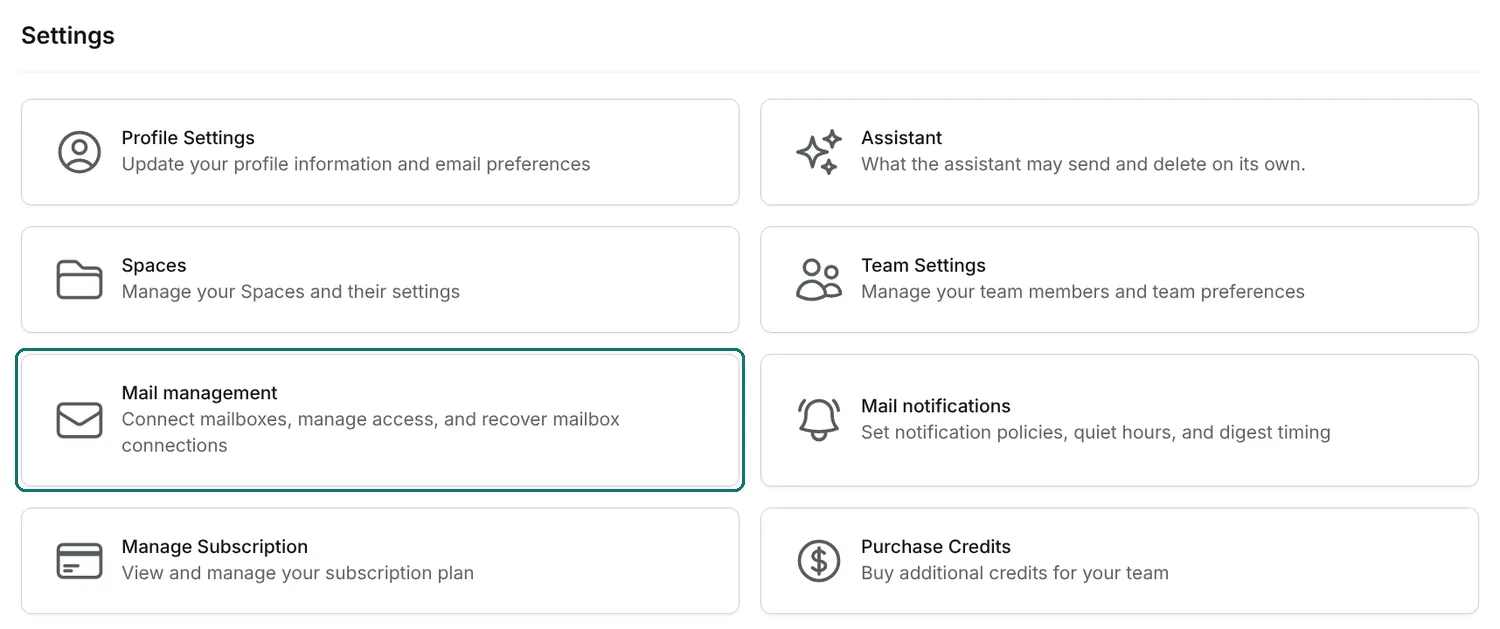
You don’t need to copy your existing filters. Build a Svanja rule when you want to do more than basic sorting, such as checking what an email is about and having the assistant draft a reply. Rules that only sort mail cost nothing. See Rules.
Can I go back?
Yes. Open Settings, choose Mail management, select your mailbox, and choose Disconnect on its Connection tab. Svanja stops loading and sending mail for that account, and nothing gets deleted at your provider.
If you want to take your notes with you, open Data and Trash and choose Export. See Your data and privacy.